If your platform checks uploads for AI-generated images, unsafe content or deepfakes, you already depend on detectors you can't see inside. They answer every request, but nobody on your team can say how good those answers are. Cockpit is the panel that tells you.
Key takeaways
- Health shows how each detector behaves: volume, speed, errors, cost, how confident it is and when it drifts.
- Accuracy turns your reviewers' decisions into right, false alarms and missed, per detector, with a suggested threshold.
- Controls let you act on it: change a threshold, switch a detector off, add a second opinion for unsure cases. Every change is logged and can be undone.
- It runs on the checks you already send through withConflux, in your dashboard or embedded in your own admin. No media is kept for it.
The problem nobody owns
AI detection usually starts as a single integration. A developer wires up a vendor, picks a threshold that looks sensible, and moves on. Months later the platform runs several checks on every upload, from more than one provider, and the questions start: why did the share of flagged videos double last Tuesday? Why are reviewers overturning so many moderation flags? Is the new provider better than the old one, or just cheaper?
These questions land between teams. Engineering owns the integration, trust and safety owns the decisions, finance owns the bill. Each sees a slice. Nobody sees whether the detection as a whole is doing a good job, so problems are found late, usually by users.
Health: how your detection behaves
Cockpit starts with what the gateway already records for every check. Health shows, for the last 24 hours, 7 days or 30 days, how many detections ran, how fast they were (the average and the slowest five percent), how many failed and which provider caused most of the errors, what they cost per detection, and what share of content each check flagged.
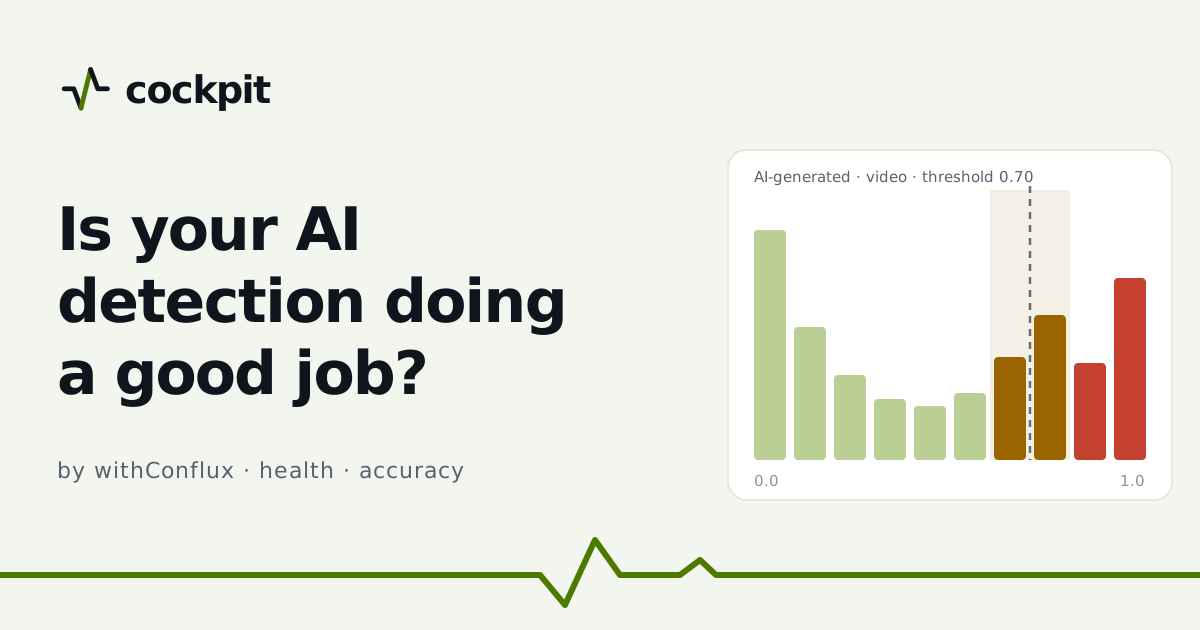
The confidence chart is the part teams look at first. Most detectors return a score between 0 and 1, and a verdict flips at a threshold. Cockpit draws where your scores actually fall. The band just around the threshold is where the detector is unsure. When a large share of verdicts sits there, the detector is often guessing, and a small threshold change moves a lot of results.
Every detector also gets a trend: steady, errors up, drift (its flag rate moved a lot compared with the period before) or new. Alerts follow the same signals. When a flag rate jumps within a day, a provider's errors stay high for an hour, or two detectors disagree too often, Cockpit emails you, can call your webhook, and explains the alert in a sentence: which check, which provider, what changed and since when.
Accuracy: right or wrong, from your own decisions
Health tells you how detection behaves. It can't tell you whether a verdict was right, because only your reviewers know that. Accuracy closes the loop. When a moderator makes a final decision (approved, rejected, overturned on appeal), your platform sends Cockpit that decision: the content hash or the request id, the check and the label. No image, video or audio is sent.
Cockpit matches each decision to the detection it belongs to, including decisions that arrive before the detection, and scores every detector: how often it was right, its false alarms (flagged, but people said fine), what it missed (passed, but people flagged it), and its precision and recall. A score appears only after enough of a detector's verdicts have been reviewed, so a handful of cases never decides it.
From the same data Cockpit suggests a threshold per detector: the one that cuts false alarms the most for only a small rise in misses, with the before and after shown side by side. A list of wrong verdicts, filterable by false alarms, misses and cases where detectors disagreed, gives reviewers concrete examples to look at.
Controls: act on what you see
Knowing that a detector raises too many false alarms is only useful if you can do something about it. On the Control plan you can change a detector's threshold, switch a detector off for a check, and add simple rules: ask a second provider when the first is unsure, send disagreements to your review queue, or move traffic to a backup provider while one is failing.
Before a change is saved, Cockpit replays it on your last 30 days: how many items it would have flagged, how many of those your reviewers had marked fine, and how many real problems it would now miss. Saving asks for a short reason. Every change is kept in a log with who made it and why, and can be undone in one click. Forensic and re-upload checks are always view only: Cockpit can show them, never change them.
Where it lives
Cockpit appears in your withConflux dashboard as soon as it is switched on. Most teams also want it inside their own admin, next to the queue their reviewers already use. That is one script tag: you allow your admin's domain, your server asks withConflux for a short-lived token behind your own login, and the panel draws itself in light or dark, in English, Italian or Greek. Your secret key never reaches the browser.
Pricing in short
Health is a monthly plan with a 14-day trial and no card. Accuracy adds the review-decision scoring and threshold suggestions, monthly or as a one-time lifetime licence. Control adds thresholds, on/off switches and automations, and is set up with you. The current prices are on the Cockpit page.
See it before you try it
The Cockpit demos show the product on a test account with made-up data, each with a written walkthrough. If you want to see how it fits your team, start with the page closest to you: for platforms, for marketplaces or for moderation teams.
Run your checks for a week and look at the confidence chart. It usually answers the first question on its own. See how Cockpit works.